
liliuCourier/dsh-chat-outline
50Last commit Aug 16, 2026
dsh-chat-outline DSH plugin
This plugin adds a left-side outline panel to the DSH chat column, listing each turn's question and its final reply. Click any entry to scroll to that position, or Ctrl/Shift+click to jump to the same spot in the Trajectory view. A blue frame follows your scroll, and a keyword filter narrows the list. It offers two modes: Light mode (default) shows only the officially loaded window with zero overhead, while Full mode loads the entire history on entry.
How to install the dsh-chat-outline DSH plugin
dsh plugin --profile web add dsh-chat-outlineCopying does not run this command. Review the repository and version before installing the dsh-chat-outline DSH plugin.
dsh-chat-outline DSH plugin data source
dsh-chat-outline DSH plugin snapshot date: Aug 18, 2026
discovered
What the dsh-chat-outline DSH plugin can do
- Lists every user question and the final assistant reply per turn, with clickable jump to that position.
- Blue frame marker follows the current reading position as you scroll.
- Two modes toggled by a button: Light mode (zero extra loading) and Full mode (loads entire history).
- Ctrl/Shift+click jumps to the same position in the Trajectory view.
- Keyword filter input at the top of the panel.
- Follows DSH light/dark theme.
Where the dsh-chat-outline DSH plugin fits
- Quickly navigate back to earlier parts of a long conversation without manual scrolling.
- Switch between chat and trajectory views at the same logical position while debugging a session.
- Filter the outline by keywords to find specific interactions in a large session.
- Use Light mode for day-to-day conversations to avoid performance impact.
- Enable Full mode when you need a complete overview of the entire session history.
Who the dsh-chat-outline DSH plugin is for
- DSH users who handle long conversations and need efficient navigation.
- Developers debugging DSH agent sessions who frequently switch between chat and trajectory views.
dsh-chat-outline DSH plugin limitations
- Full mode has noticeable performance overhead on long sessions with heavy tool calls and streaming output.
- Works only with DSH 0.1.0-rc.6; compatibility may break after DSH upgrades.
- Requires manual refresh of the browser page after installation to show the panel.
- The plugin depends on the DSH web bundle; peer dependency warnings are expected and harmless.
dsh-chat-outline DSH plugin: from the repository README
Quoted from the liliuCourier/dsh-chat-outline README, the upstream source of the dsh-chat-outline DSH plugin. Copyright remains with the original authors.
对话一长就没法一直往上翻了。这个插件在对话栏左侧常驻一个对话大纲:按轮次列出每次提问和该轮最后一条回复,点击任意一条即可跳回对应位置,按住 Ctrl/Shift 再点击则直接切到轨迹视图的同一位置。蓝框会始终标记你当前读到哪,随滚动跟随;顶部的输入框可以按关键词过滤。它有两种模式:默认的轻便模式只反映官方已加载的窗口,零额外开销;需要完整大纲时可切换到全面模式,进入即主动加载全部历史(长会话会有明显的性能开销)。 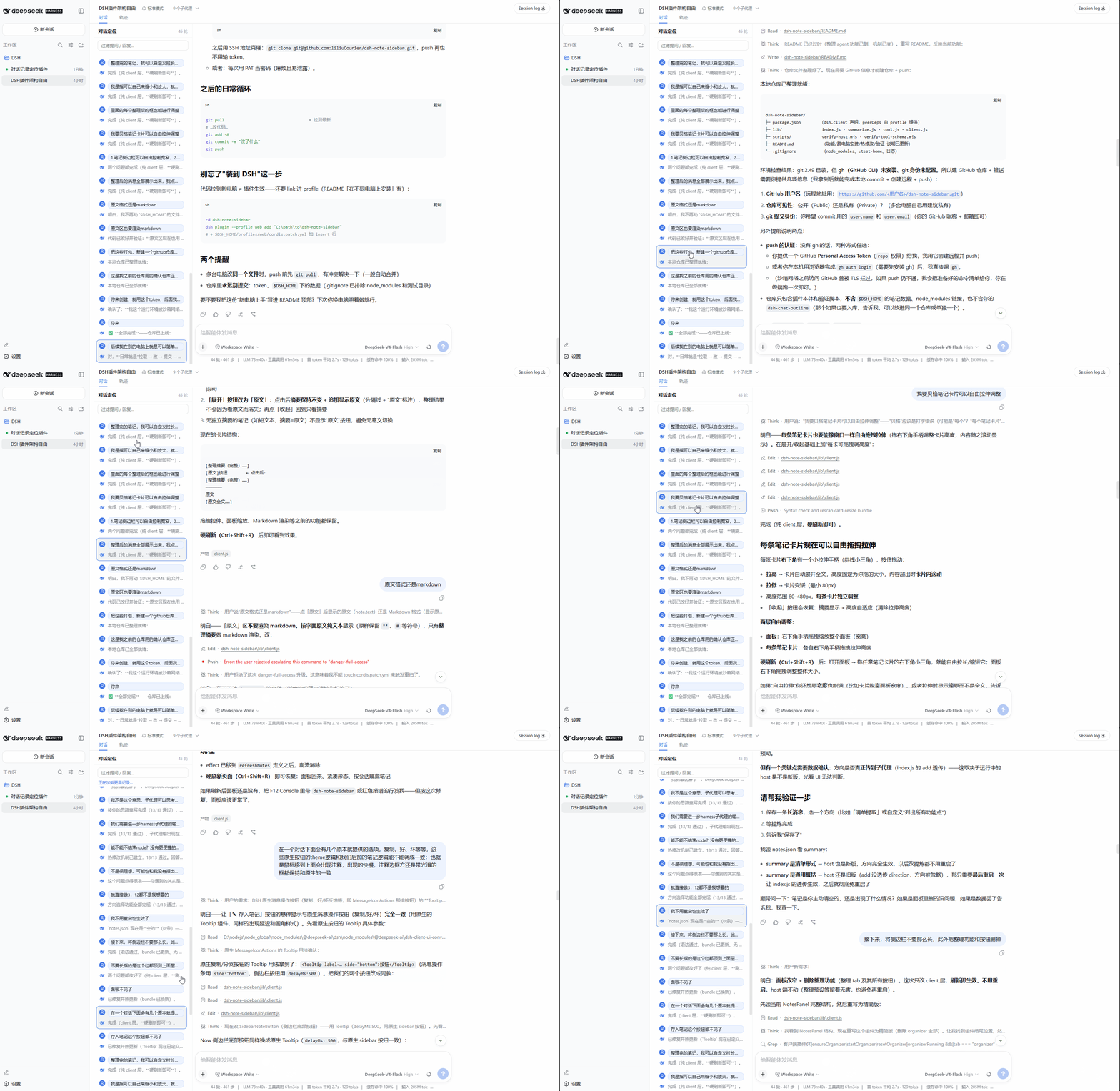 ## 中文文档 ### 功能特性 - 按轮次列出每次提问与该轮最后一条回复,点击即定位 - 蓝框标记当前阅读位置,随滚动跟随 - 两种模式,头部按钮切换,选择会被记住: - **轻便模式**(默认):大纲只显示官方已加载窗口的内容,零额外加载; - **全面模式**:进入即主动加载全部历史,覆盖整个会话 - 按住 Ctrl/Shift 点击条目,直接切到轨迹视图并定位到对应位置 - 支持按关键词过滤 - 跟随 DSH 明暗主题 ### 安装 通过 npm 安装: ```sh dsh plugin --profile web add dsh-chat-outline ``` 或者从 GitHub 安装: ```sh dsh plugin --profile web add github:liliuCourier/dsh-chat-outline ``` 然后在 `$DSH_HOME/profiles/web/cordis.patch.yml` 中加入: ```yaml - insert: - id: dsh-chat-outline name: dsh-chat-outline ``` 最后刷新浏览器页面即可生效。 > 从 0.1.6 起包内已含 `dsh.bundle`,通过 npm / GitHub 安装会自动激活,无需手动追加上面的 insert;手动 insert 仅对旧版本或源码目录安装适用。 ### 使用 面板常驻在对话栏左侧。每条记录分「我」和「助手」两行,点击任意一行即可跳转。按住 Ctrl/Shift 再点击,会切到轨迹视图并定位到同一位置。面板顶部的输入框支持按关键词过滤。 ### 轻便模式与全面模式 面板头部右侧有个模式按钮,点击即可在两种模式间切换,选择会被记住(下次打开仍是上次的模式)。 . For versions before 0.1.6, you also need to add a manual insert to `$DSH_HOME/profiles/web/cordis.patch.yml`. After installation, refresh your browser page. If you use npm, the plugin automatically activates since 0.1.6.
What is the difference between Light mode and Full mode?
Light mode (default) only shows the outline for the currently loaded window of the conversation – the plugin does no extra fetching, so performance is zero-impact. Full mode actively loads the entire session history when you enter a conversation, giving you a complete outline but with noticeable overhead on long sessions. You can switch between them using the button in the panel header, and your choice is remembered.
How do I jump to the Trajectory view from the outline?
Hold Ctrl or Shift while clicking any outline entry. This will switch to the Trajectory view and scroll to the exact same position. A question entry lands on the user message row in the trajectory, and a reply entry lands on the last assistant row of that turn.
Why can't I see the panel after installation?
First, refresh your browser page. The server manifest updates immediately, but already-open pages need a reload to load the new plugin. If that doesn't work, restart the `dsh web` process. Also ensure that you have properly added the plugin via `dsh plugin add` and, for older versions, the manual insert in `cordis.patch.yml`.
What should I do if I get peer dependency warnings during installation?
These warnings are expected and harmless. The DSH web bundle already includes the required modules. You can safely ignore them. If you encounter any actual issues, try updating the plugin or DSH to the latest version.